If you’ve started looking for a new website, you’ve probably noticed something strange.
One person says they can build it for a few hundred dollars. Another quotes several thousand. Then an agency comes along with a number that makes you wonder whether they’re building a website or a small airport.
So what should a small business website actually cost?
The simple answer is: it depends on what you need the website to do.
That probably sounds obvious, but it’s the bit most people skip. They compare prices before they compare what they’re actually getting.
Start with the job the website needs to do
For most small businesses, the website has a pretty straightforward job.
- Explain what you do.
- Help the right people trust your business.
- Make your services easy to understand.
- Give people a simple way to contact you, book, call, or ask for a quote.
If that’s all you need, you probably don’t need a huge custom system with dozens of pages and every feature imaginable.
You need a clear, professional website that does its job well.
Why website prices are all over the place
The main reason prices vary so much is that “a website” can mean almost anything.
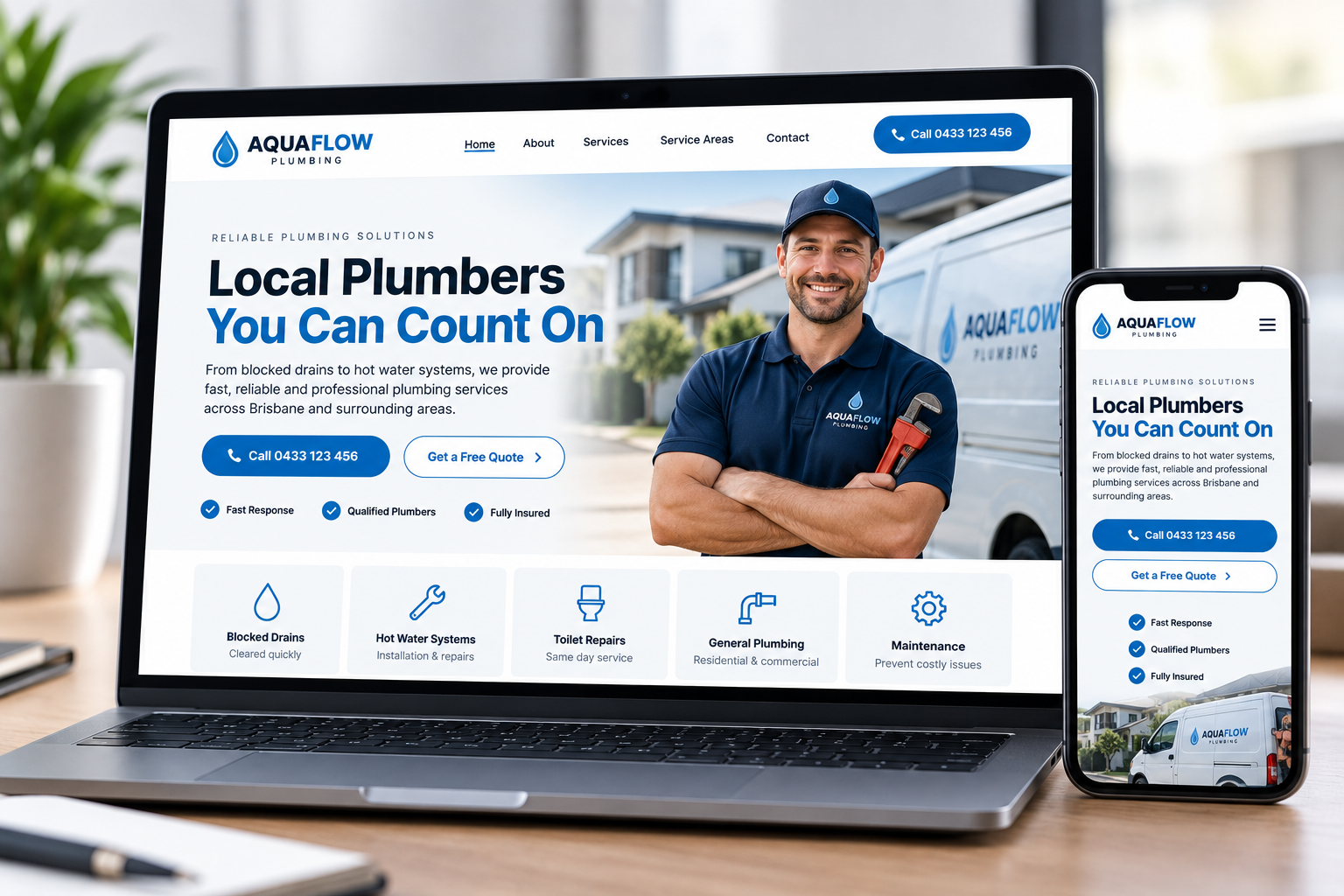
A simple five-page site for a local plumber is very different from an online store with hundreds of products. A photographer may need a strong visual portfolio. A restaurant may need menus and booking links. A consultant may mainly need a clear offer, proof, and a contact form.
Those are different jobs, so they shouldn’t all cost the same.
What usually affects the price
1. How many pages you need
A small service business might only need a homepage, about page, services page, contact page, and maybe a few individual service pages.
The more pages you add, the more design, writing, image selection, and checking is involved.
2. How much help you need with the content
If you already have good copy and photos, the job is simpler.
If your website designer also needs to help organize your message, work out your page structure, rewrite confusing sections, and source images, there’s naturally more work involved.
That can be worth paying for, because a good-looking website isn’t much help if nobody can quickly understand what the business actually does.
3. Whether you need special features
A normal contact form is simple. A customer portal, membership area, online booking system, product catalog, or custom calculator is a different level of project.
If you don’t need those things, don’t pay for them just because they sound impressive.
4. How custom you want the design to be
There’s a difference between changing the colors and logo on a basic template and designing a site around your business, your customers, and the way you want to present yourself.
Neither option is automatically wrong. The question is whether the result fits the business.
What should you expect to spend?
You’ll see everything from DIY options costing a few hundred dollars or less, through to professionally designed small business sites costing several thousand dollars. More complex projects can go well beyond that.
Instead of trying to find one “correct” number, I’d look at the quote and ask:
- Does this include the pages I actually need?
- Will the website work properly on phones?
- Is the message going to be clear to a new customer?
- Will I know what I’m paying for before the work starts?
- Does the finished website look like something I’d feel comfortable sending customers to?
Those questions are usually more useful than asking whether the quote is the cheapest.
The cheapest website can become expensive
I’m not saying you need an expensive website.
But there is a difference between saving money and buying something you’ll need to replace six months later.
If the site is confusing, looks unfinished, is difficult to update, or doesn’t work properly on a phone, the low price doesn’t feel quite as good anymore.
At the same time, spending more doesn’t automatically mean you’re getting a better website. A long list of features is not the same thing as a useful website.
The sweet spot is usually paying for the things your customers will actually notice and use.
What most small businesses can skip
This is where costs can get out of hand.
You may not need:
- Fancy animations on every section.
- A complicated members area nobody asked for.
- Dozens of pages just to make the site look bigger.
- Custom software when a simple contact form will do the job.
- Features added mainly because they sound impressive in a proposal.
A simpler website is often easier for your customers to use too.
Where I would spend the money instead
If you have a limited budget, I’d put the money into the parts customers actually see and use:
- A strong homepage.
- Clear service pages.
- Good mobile design.
- Professional photos or carefully chosen images.
- Simple navigation.
- Clear calls to action.
- A contact or quote process that works.
That may sound less exciting than a list of technical features, but it’s usually a lot more useful to the person visiting your website.
A good quote should be easy to understand
You shouldn’t need to decode your website quote.
It should tell you what is being built, what’s included, roughly how long it will take, what you need to provide, and what it will cost.
If you’re comparing two quotes, compare the scope as well as the price.
One may look cheaper simply because half the work isn’t included.
So, what should your website cost?
Enough to get the website your business actually needs. No more complicated than necessary, but not so stripped back that it stops doing its job.
If you run a small business and mainly need a professional site that explains what you do, looks credible, and makes it easy for customers to get in touch, start there.
You can always add more later.
If you want to see the kind of sites we design, take a look at our website design portfolio. If you already know what you want to improve, you can also request a website quote.
One last thing
Don’t let the website become the part of the business you keep putting off because the whole thing feels too complicated.
Work out what your customers need to see, what you want them to do next, and build around that.
That’s usually a much better place to start than a giant feature list.